Sign Up
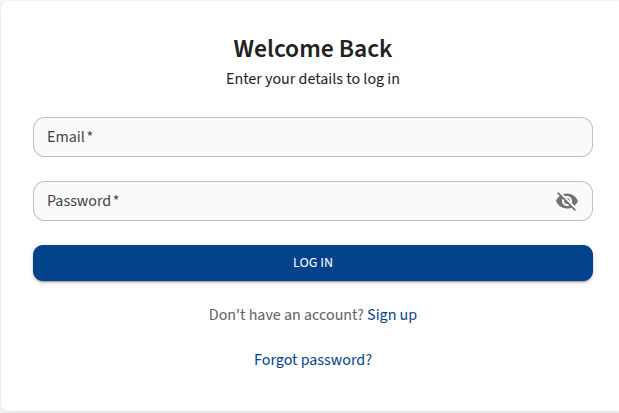
New users can create an account on LifeVal through the registration page. There are two types of registration: Company Registration and Staff Member Sign Up. Click the Sign Up button on the landing page.
Company Registration
Use this tab if you are setting up a new organization on LifeVal. This is typically for company administrators.
Steps
- Select the Company Registration tab.
- Complete all Company Information fields.
- Complete all Administrator Information fields.
- Click Sign up.
- A verification email will be sent to the registered email address.
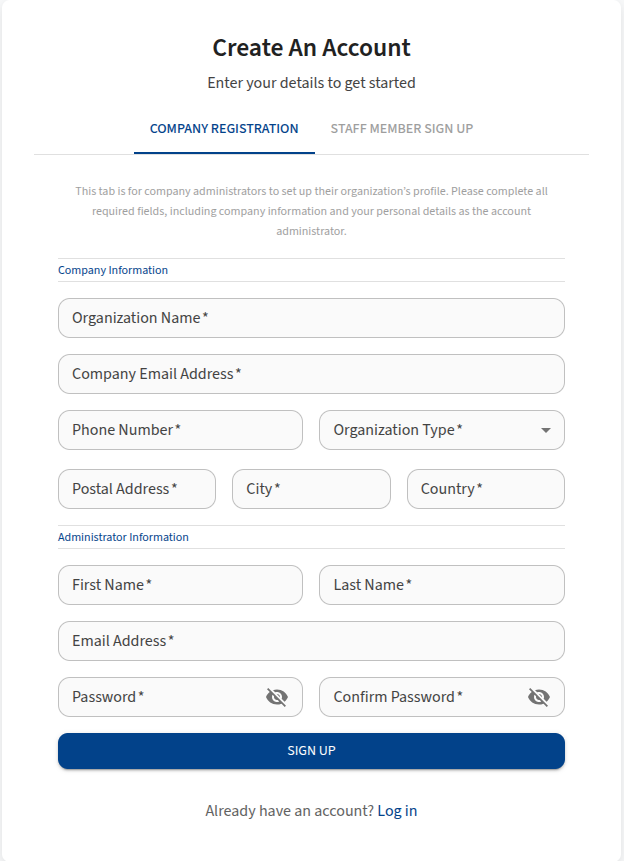
Company Information Fields
- Organization Name: The legal name of your organization.
- Company Email: The primary contact email for the organization.
- Phone Number: Contact phone number (e.g., 0712345678).
- Organization Type: Select the type of organization from the dropdown menu (e.g., Insurance, Reinsurance, Consultancy).
- Postal Address: The postal address of the organization.
- City: The city where the organization is located.
- Country: The country where the organization is based.
Administrator Information Fields
- First Name: The administrator's given name.
- Last Name: The administrator's family name.
- Email Address: The administrator's personal work email address.
- Password: A secure password for the admin account.
- Confirm Password: Re-enter the password to confirm.
Staff Member Sign Up
Use this tab if you have been invited to join an existing organization by an administrator.
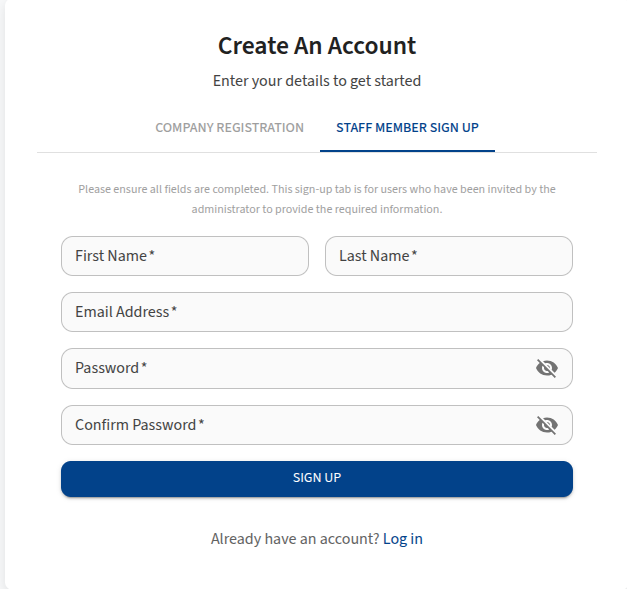
Fields
- First Name: Your given name.
- Last Name: Your family name.
- Email Address: Your email address (must match the invited email).
- Password: Create a secure password.
- Confirm Password: Re-enter the password to confirm.
Steps
- Select the Staff Member Sign Up tab.
- Fill in your personal details and set a password.
- Click Sign up.
Verification
Email Verification
After signing up, you must verify your email address to activate your account.
- Check your inbox for an email from LifeVal.
- Click the verification link provided in the email.
- You will be redirected to the LifeVal login page upon successful verification.