Runs Management
The Runs Management section guides you through executing valuation and projection runs after you have configured your scenarios.
Datachecks
Before you can execute a run, the system performs a series of Datachecks to ensure your configuration and data are valid.
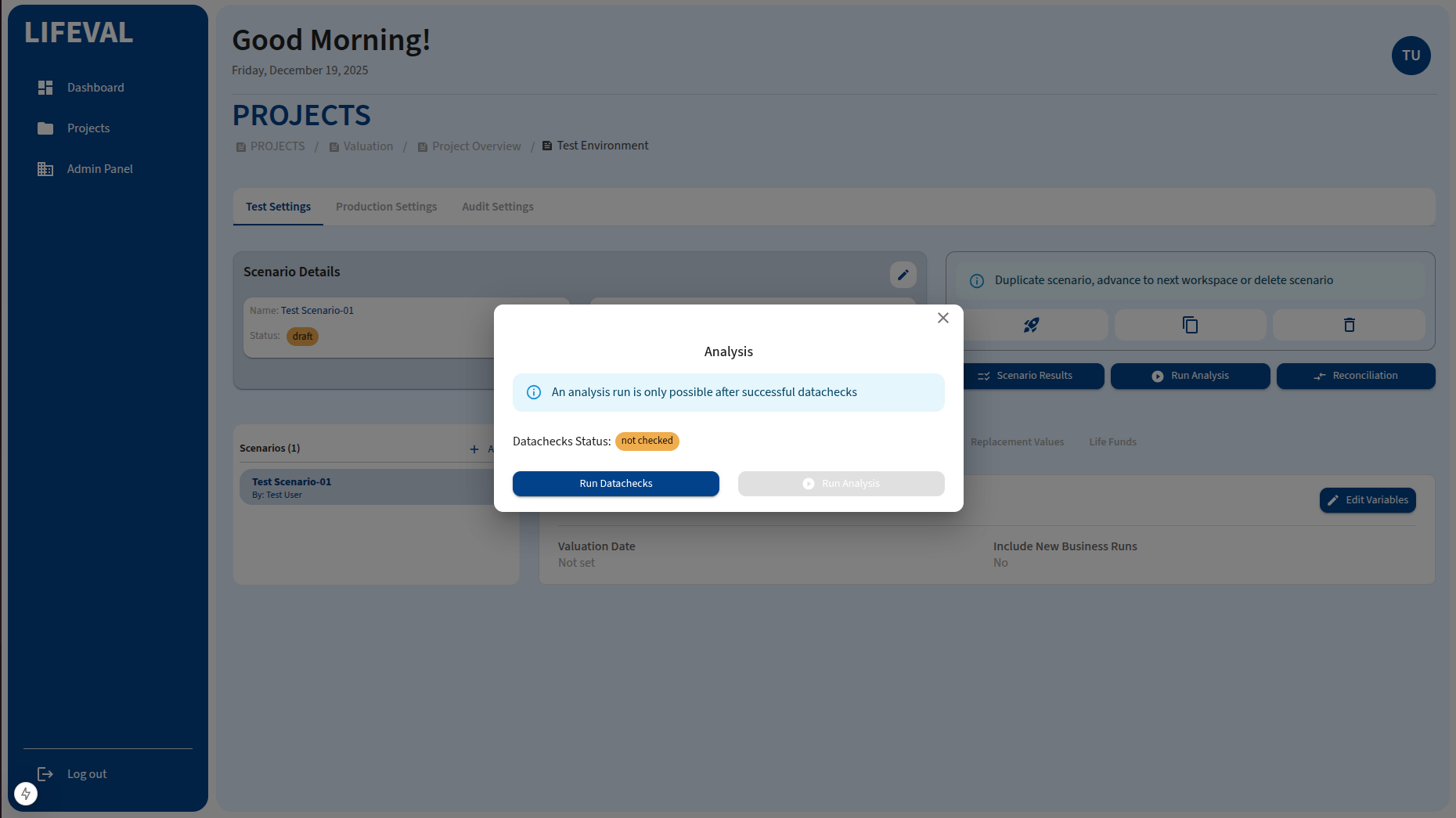
Cick Run Datachecks to begin the checks.
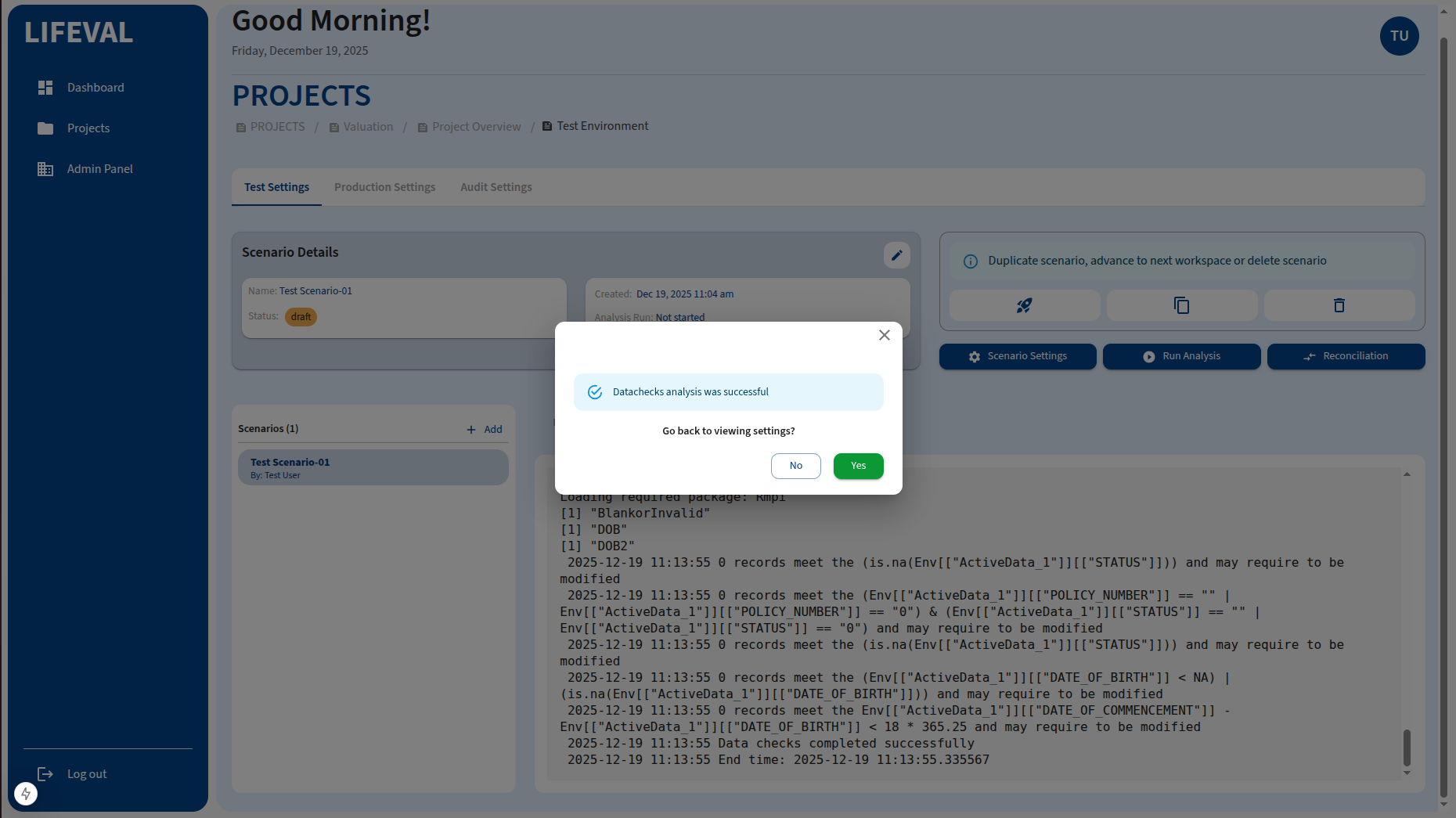
After a successful check, you will be notified in the datachecks modal.
-
Validation: The system checks for missing variables, invalid data types, and inconsistencies in policy data.
-
Condition to Proceed: You must pass all critical datachecks to proceed to the analysis phase. If errors are found, you will be prompted to correct them.
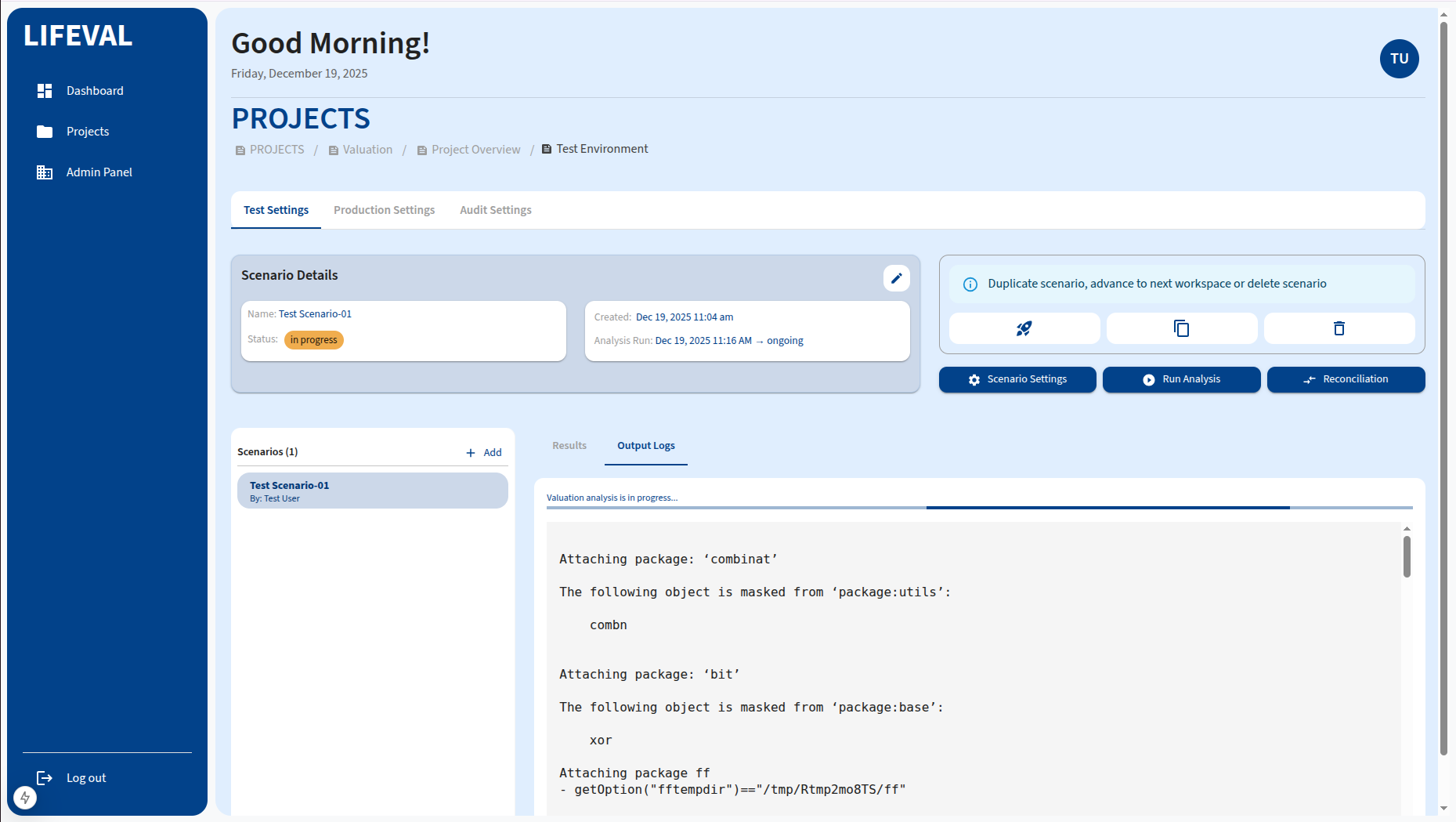
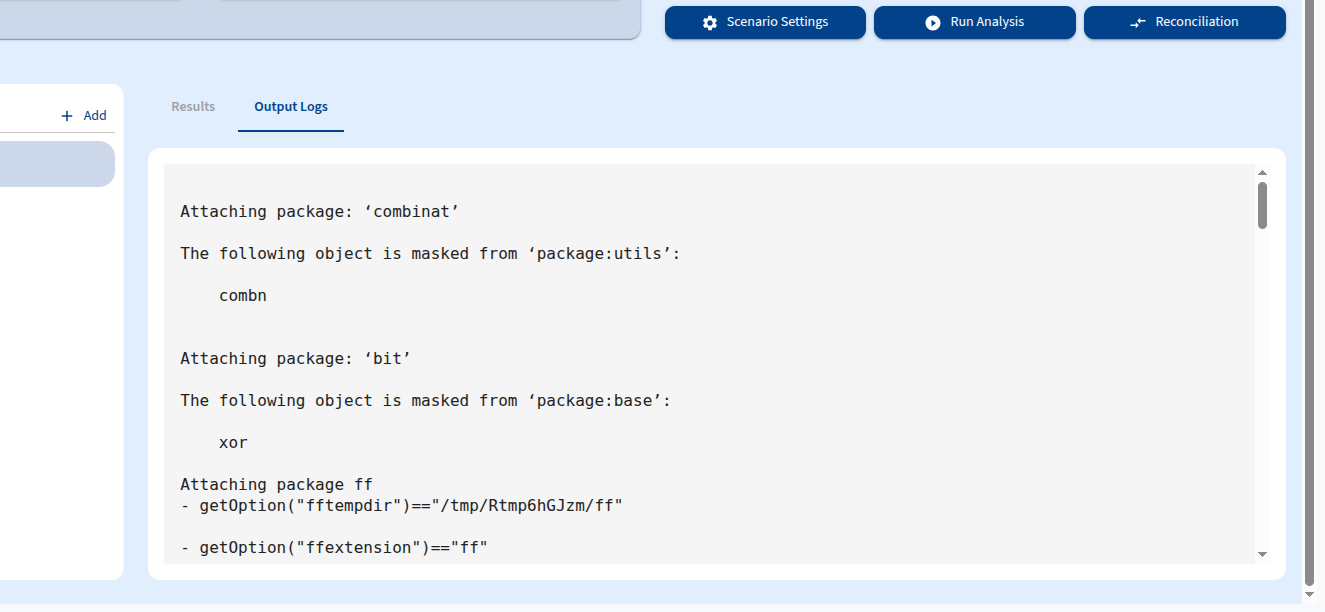
Click the Output Logs tab to inspect the logs.
Executing a Run
Once you have passed the datachecks and set up your Basic Variables, PolicyHolder Data, and other settings in the Actuarial Valuation or Cashflow Projections modules, you are ready to run the analysis.
- Navigate to the Run Analysis tab within the module.
- Review your configuration summary to ensure all settings are correct.
- Click the Run Analysis button.
Monitoring Progress
The system will process the run in the background. You can monitor the progress directly on the screen.
- Queued: The job is waiting to start.
- Processing: The calculations are currently running.
- Completed: The run has finished successfully.
- Failed: The run encountered an error. Check the error logs for details.
Viewing Results
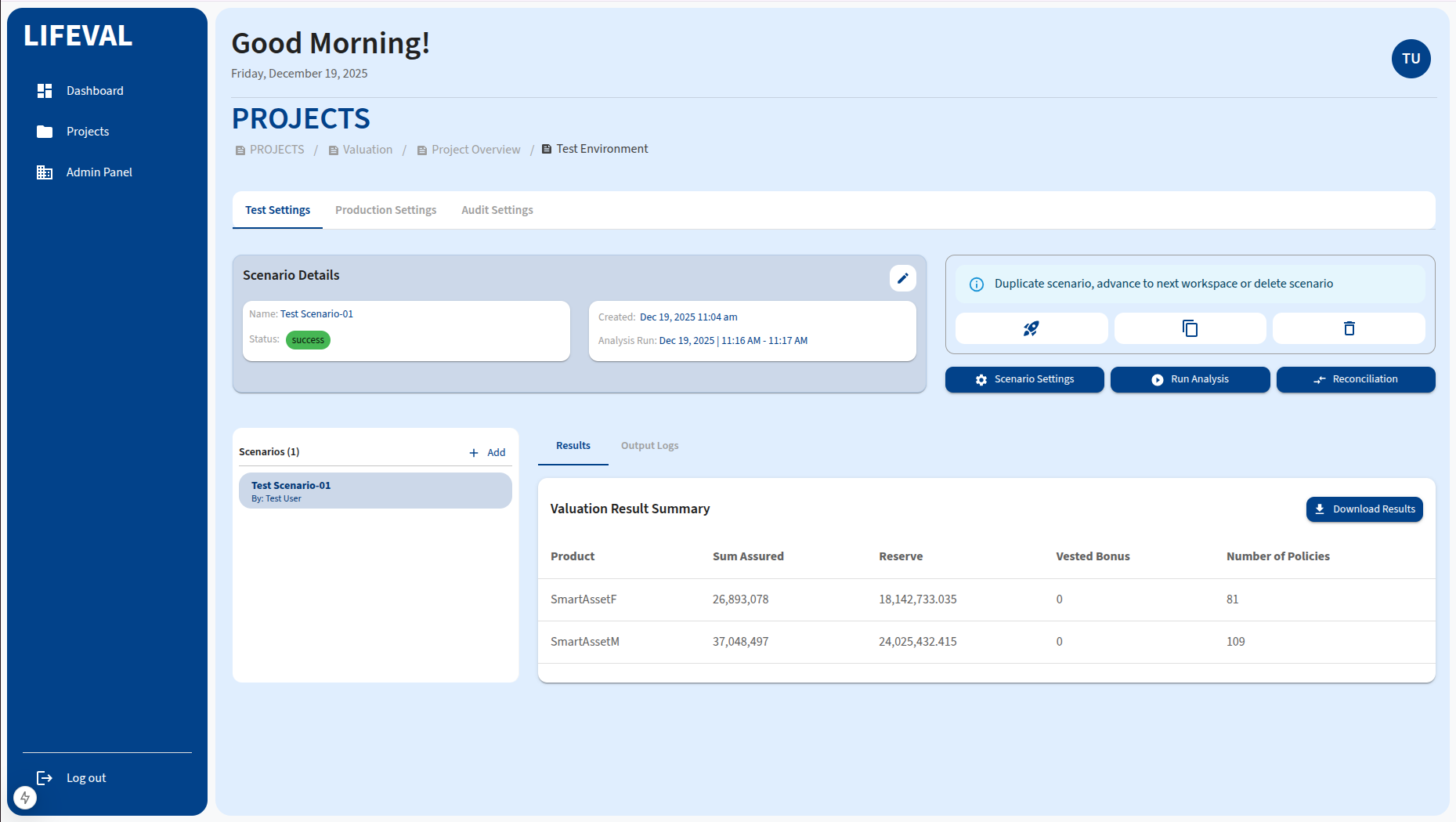
After the analysis is complete, navigate to the Results tab to view the output. You can:
- View summary reports.
- Download detailed result files (e.g., CSV, Excel).