Login
To access the LifeVal platform, you must log in using your registered email address and password.
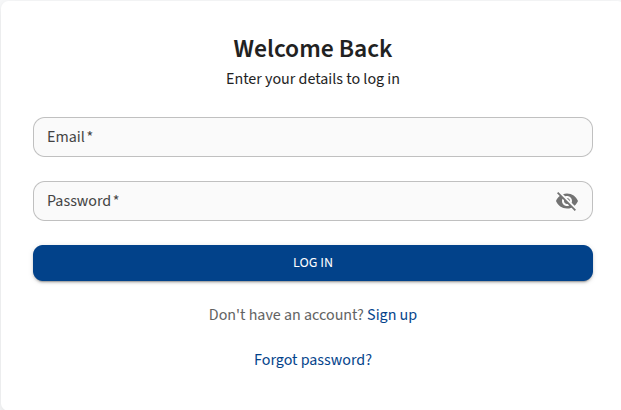
Login Fields
- Email: Enter the email address associated with your account.
- Password: Enter your account password. Click the eye icon to toggle password visibility.
Steps to Log In
- Navigate to the LifeVal login page.
- Enter your Email and Password.
- Click Log in.
- If prompted, complete the OTP Verification step.
OTP Verification
For enhanced security, LifeVal may require a One-Time Password (OTP) during login.
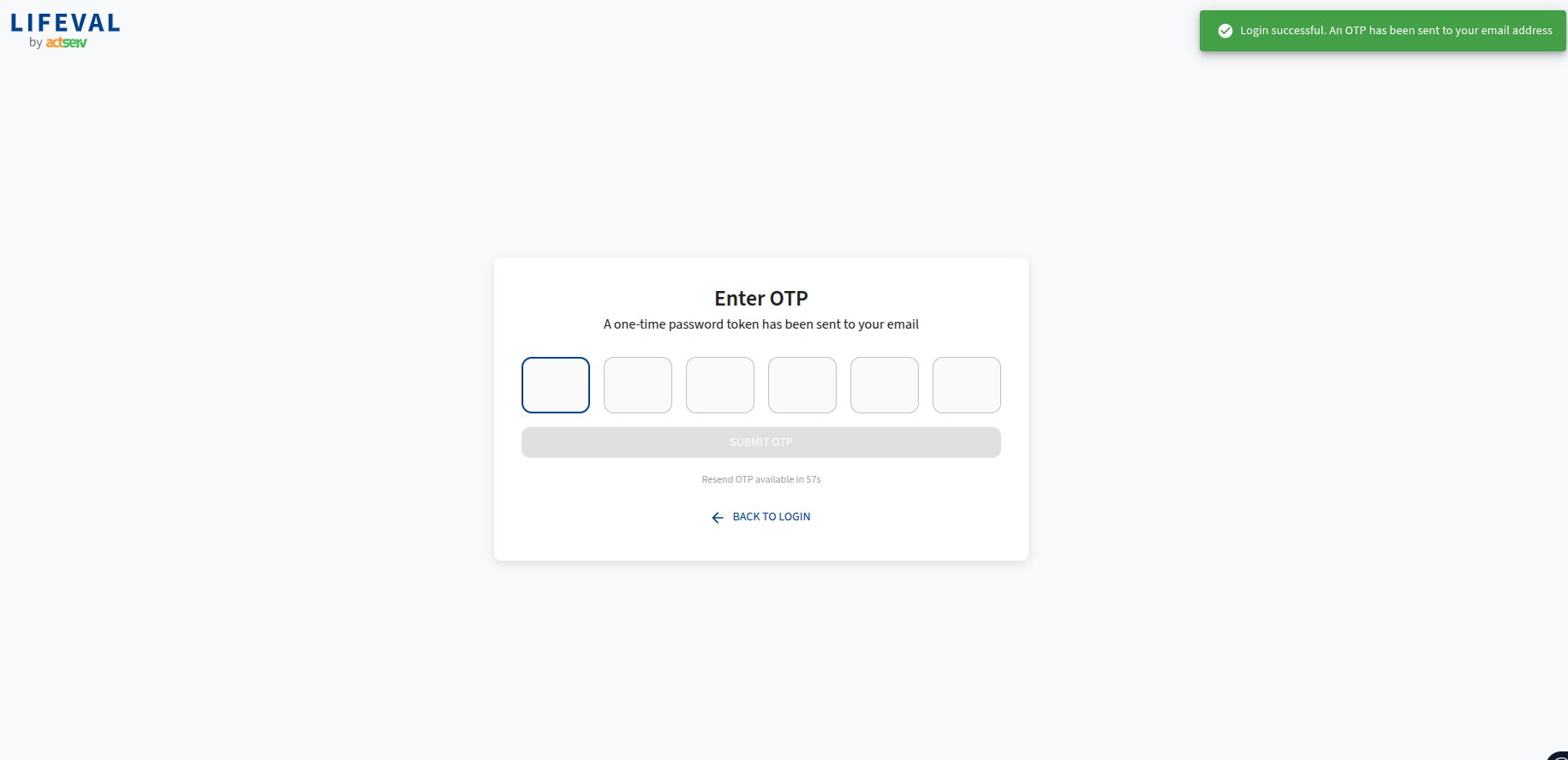
- After entering your credentials, check your email for a 6-digit OTP code.
- Enter the code in the OTP verification screen.
- Click Submit OTP.
- If you do not receive the code, wait for the timer to expire and click Resend OTP.
Dashboard
Upon successful login, you will be directed to the Dashboard, which serves as your central hub.
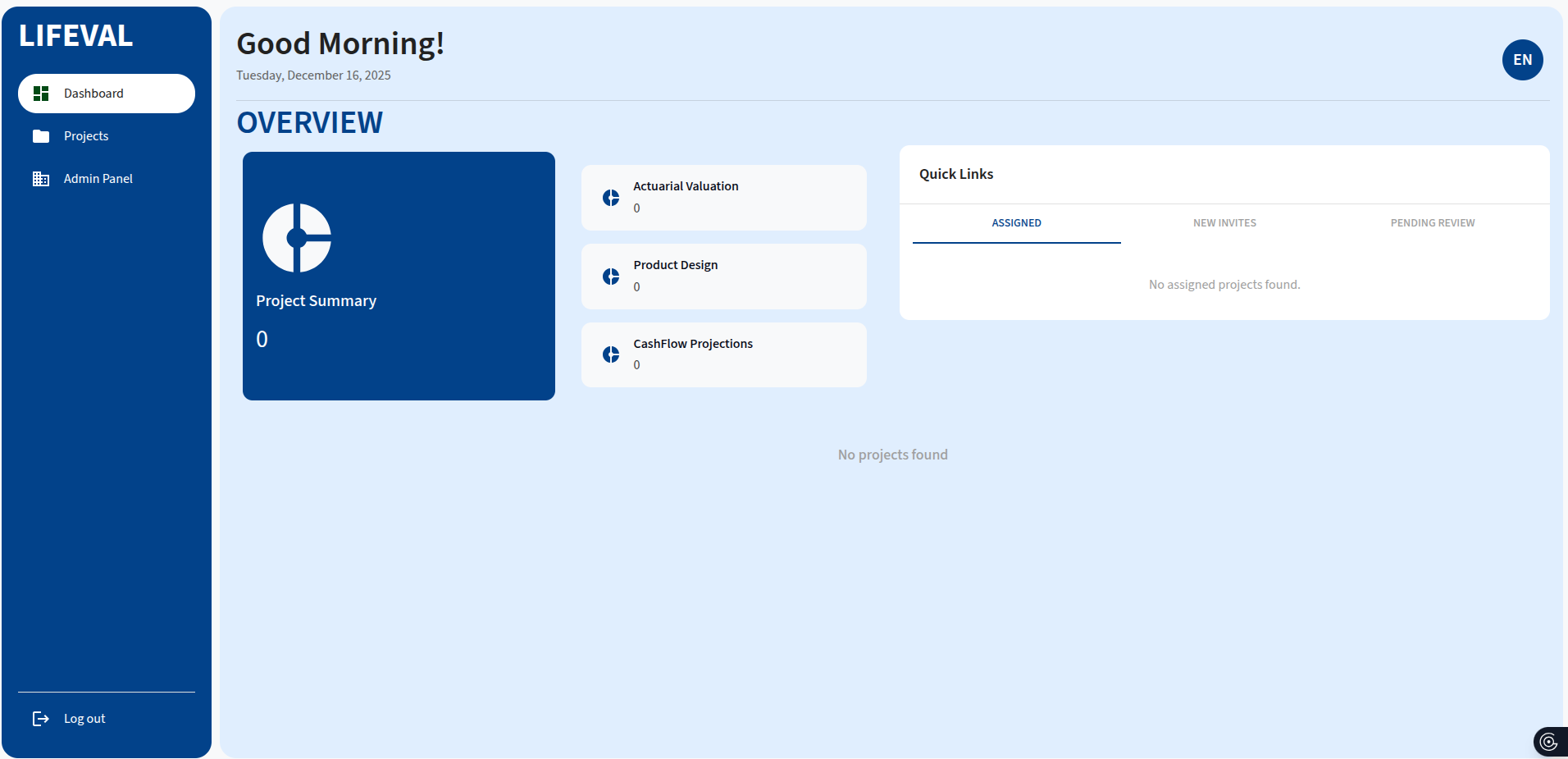
Overview Cards
- Project Summary: Shows the total count of projects.
- Project Types: Displays a breakdown of projects by type (Actuarial Valuation, Product Design, Cashflow Projections).
Quick Links
Access projects requiring attention, categorized by:
- Assigned: Projects assigned to you.
- New Invites: Pending project invitations.
- Pending Review: Projects awaiting your review.
Clicking a project in the Quick Links list navigates directly to that project's dashboard.
Sidebar Navigation
The sidebar provides access to the main modules of the application:
- Dashboard: Returns to the main dashboard.
- Projects: Access the project management list.
- Profile: Access account settings and password management.
- Admin Panel: Access organization and user management (visible to administrators).