Account & Profile
The Account & Profile section allows you to manage your personal information and security settings.
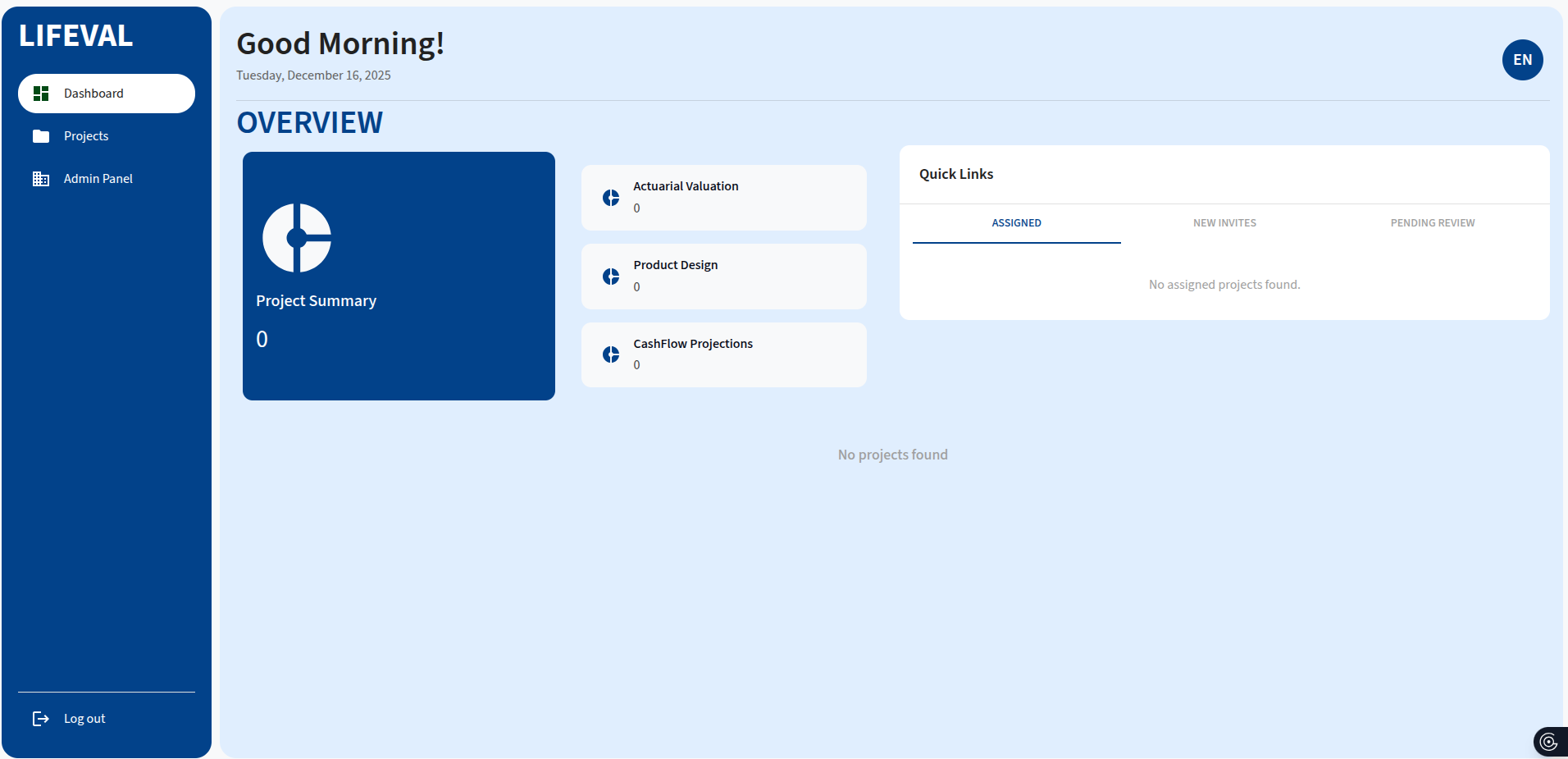
To access this section, click Profile Icon in the top right.
Personal Details
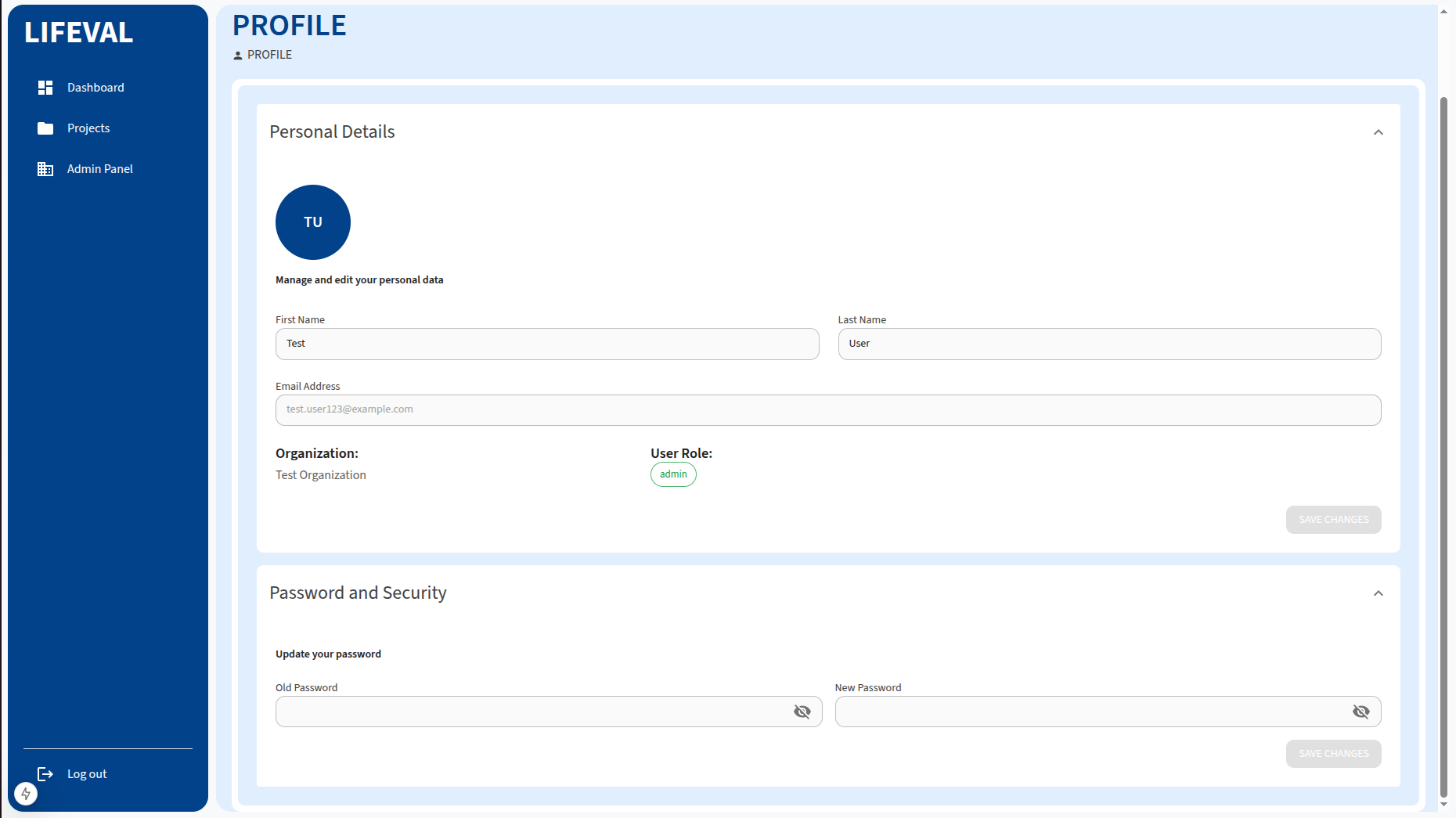
View and update your personal information:
- First Name: Your given name.
- Last Name: Your family name.
- Email Address: Your registered email (read-only).
- Organization: The organization you belong to (read-only).
- User Role: Your assigned role (read-only).
To update your name, make the changes and click Save Changes.
Password Management
To change your password:
- Navigate to the Password tab (or section).
- Enter your Old Password.
- Enter your New Password (must be at least 8 characters).
- Click Save Changes.