Settings Management
The Settings Management section allows you to manage the configuration files and parameters used in your scenarios. You can preview, edit, delete, and re-upload settings as needed.
Managing Settings
Within your project workspace, you can access the settings management interface.
Preview Settings
Before applying changes or running an analysis, you can preview the current configuration.
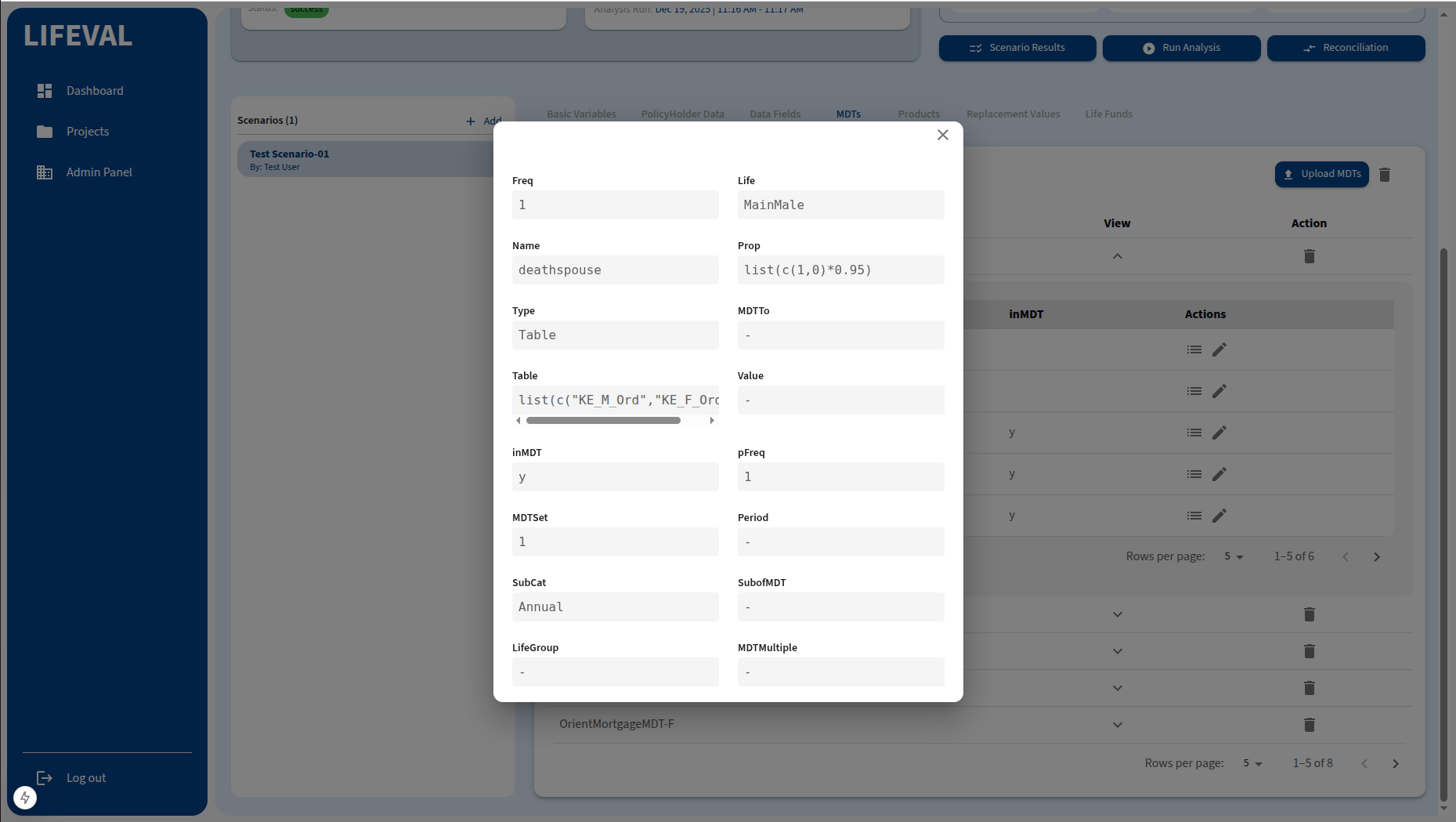
- Select the setting file or parameter set you wish to view.
- A read-only view of the data will be displayed.
Edit Settings
You can modify existing settings directly within the platform.
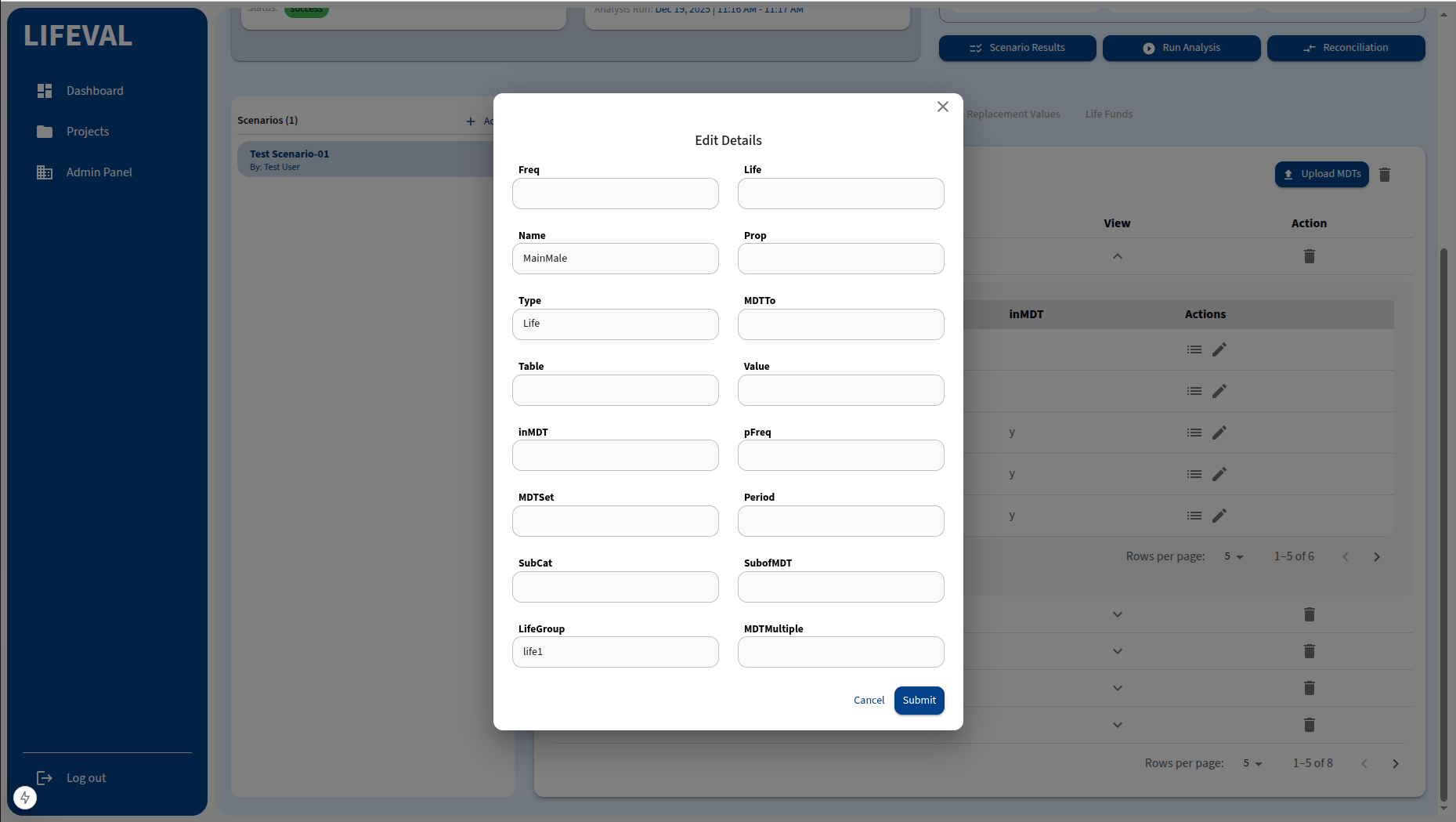
- Select the setting you want to change.
- Click the Edit button (pencil icon).
- Make the necessary adjustments in the editor.
- Save your changes.
[!NOTE] Editing settings may be restricted in certain workspaces, such as the Audit environment.
Delete Settings
Remove obsolete or incorrect settings files.
- Select the file you wish to remove.
- Click the Delete button (trash can icon).
- Confirm the deletion.
Re-upload Settings
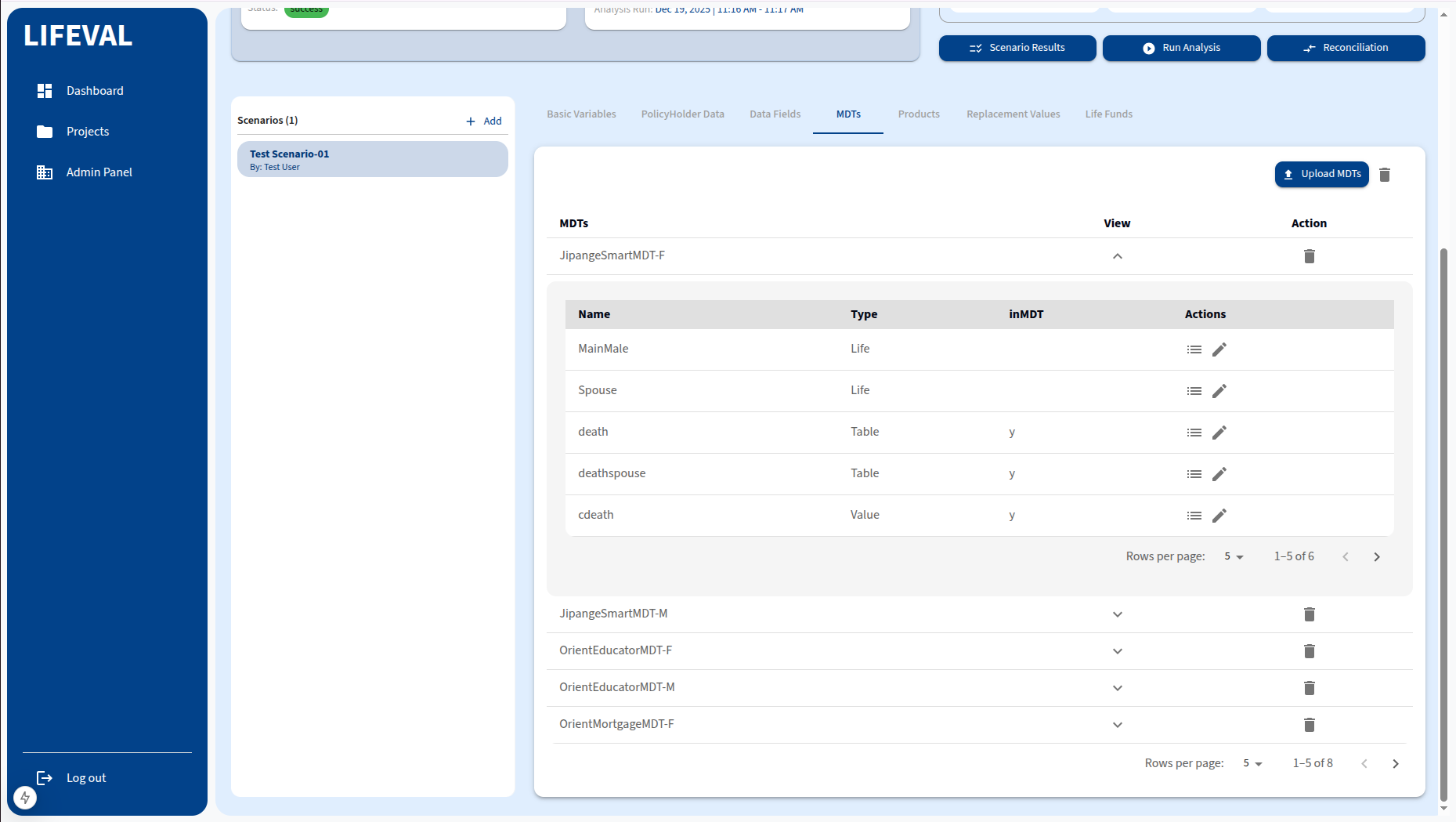
If you need to replace a settings file entirely, you can re-upload it.
- Select the existing file you want to replace.
- Click the Re-upload or Upload button.
- Select the new file from your local machine.
- Confirm the upload to overwrite the existing settings.