Password Reset
If you have forgotten your password, you can initiate a reset process to regain access to your account.
Initiating a Reset
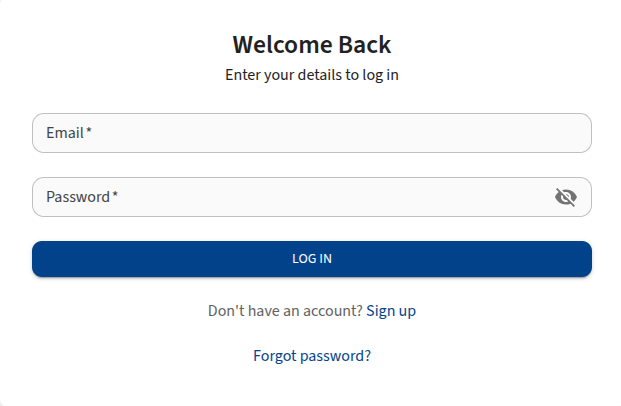
- On the login page, click the Forgot password? link.
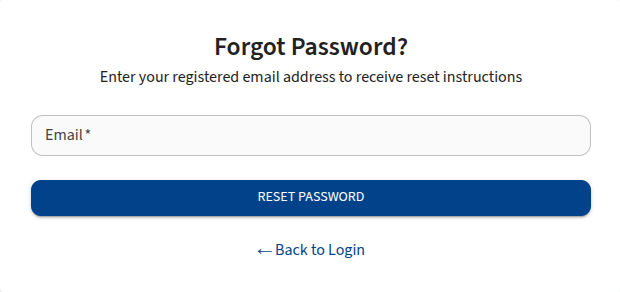
- You will be taken to the Forgot Password page.
Fields
- Email: Enter the email address associated with your LifeVal account.
Steps
- Enter your Email address.
- Click the Reset Password button.
- If the email exists in the system, you will receive an OTP(One Time Passworwd).
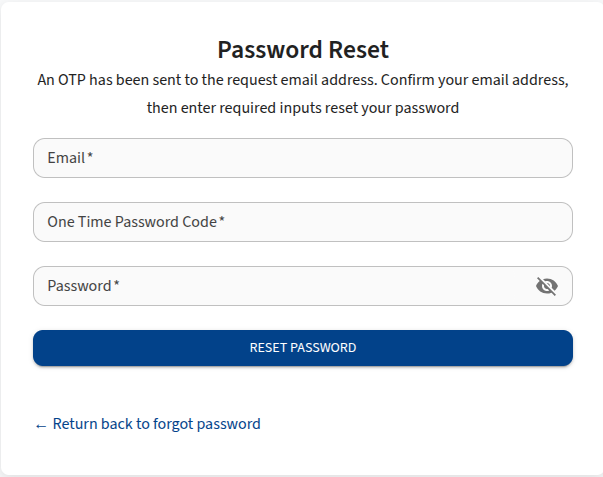
- Enter your Email, OTP, and New Password in the reset page.
Click Reset Password to submit and prosess the request.