Cashflow Projections
The Cashflow Projections module allows you to project future cashflows based on defined scenarios.
Accessing the Module
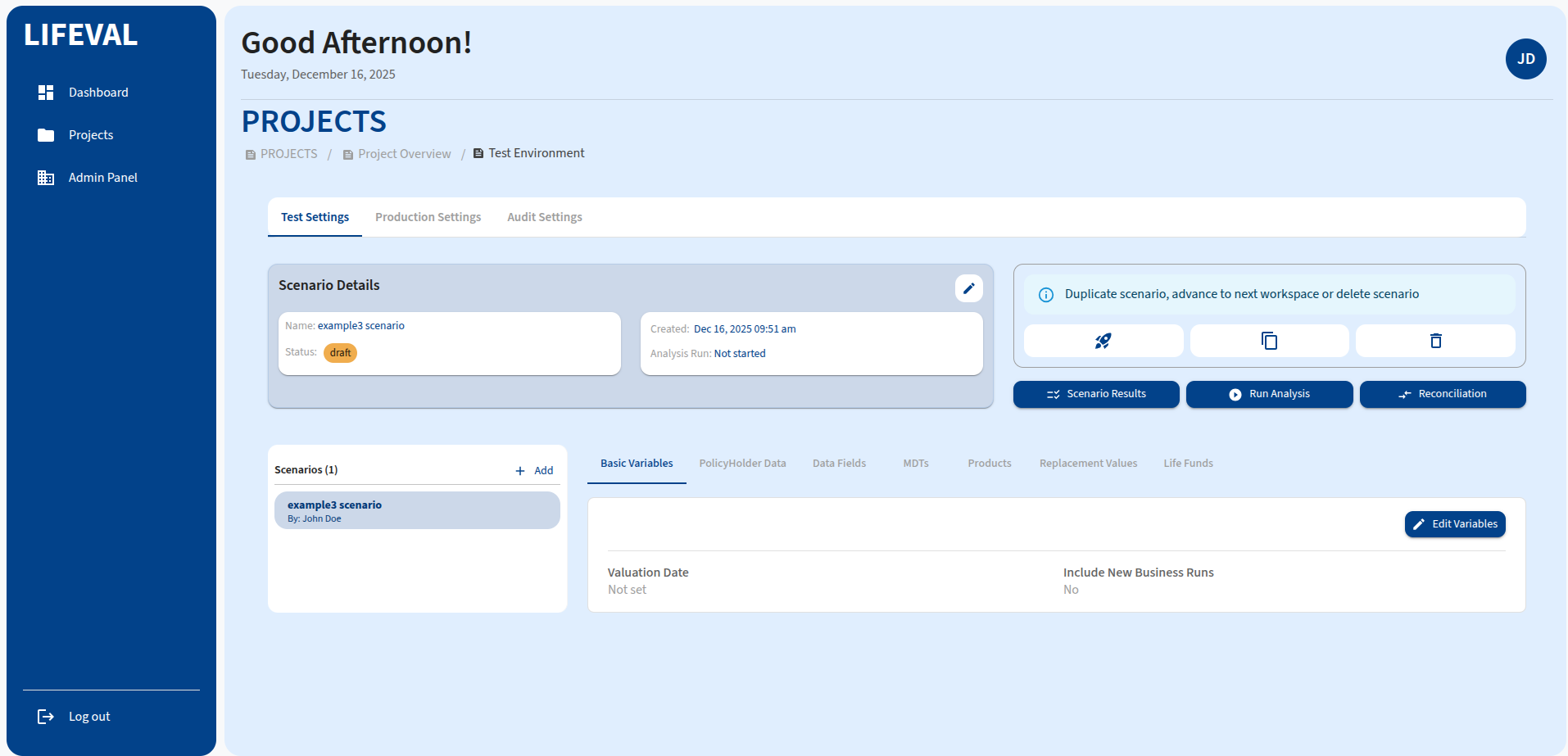
To access the Cashflow Projections module:
- Navigate to the Projects page.
- Locate the specific project on 'All' tab, or filter by clicking 'Cashflow Projections' tab.
- Click on the Launch icon (arrow) to open the specific Project Dashboard.
- Locate the Workspace card on the left side (Test, Production, Audit) and launch either of them.
- Select the specific Scenario or add a first scenario.
Module Tabs
The Cashflow Projections module shares the same interface and configuration options as the Actuarial Valuation module. Please refer to the Actuarial Valuation documentation for details on:
- Basic Variables
- PolicyHolder Data
- Data Fields
- MDTs
- Products
- Replacement Values
- Life Funds
Running Projections
After configuring the settings:
- Click the Run Analysis button to execute the projection run.
- Monitor the output in the Scenario Results tab.