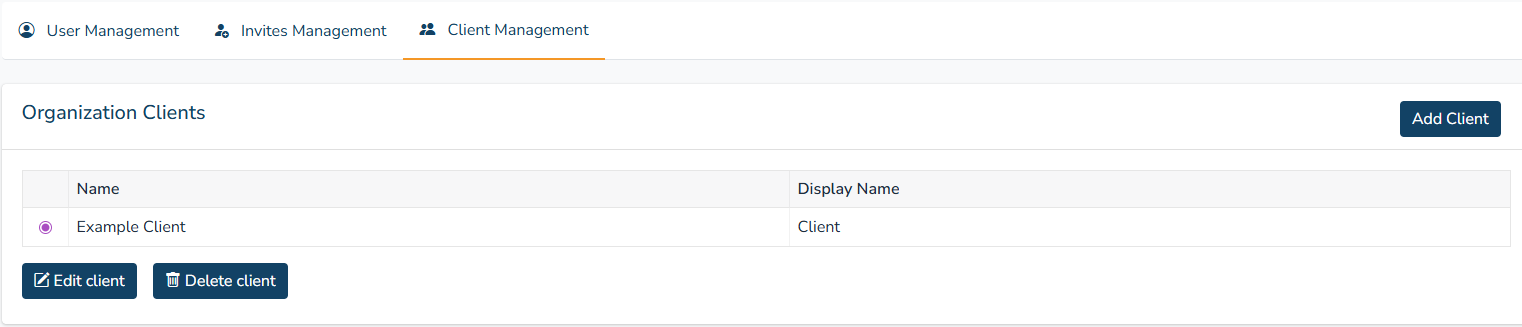
9. Admin Panel
For administrators, you can access the admin panel by clicking the Admin Panel button just above the User Profile in the home page.
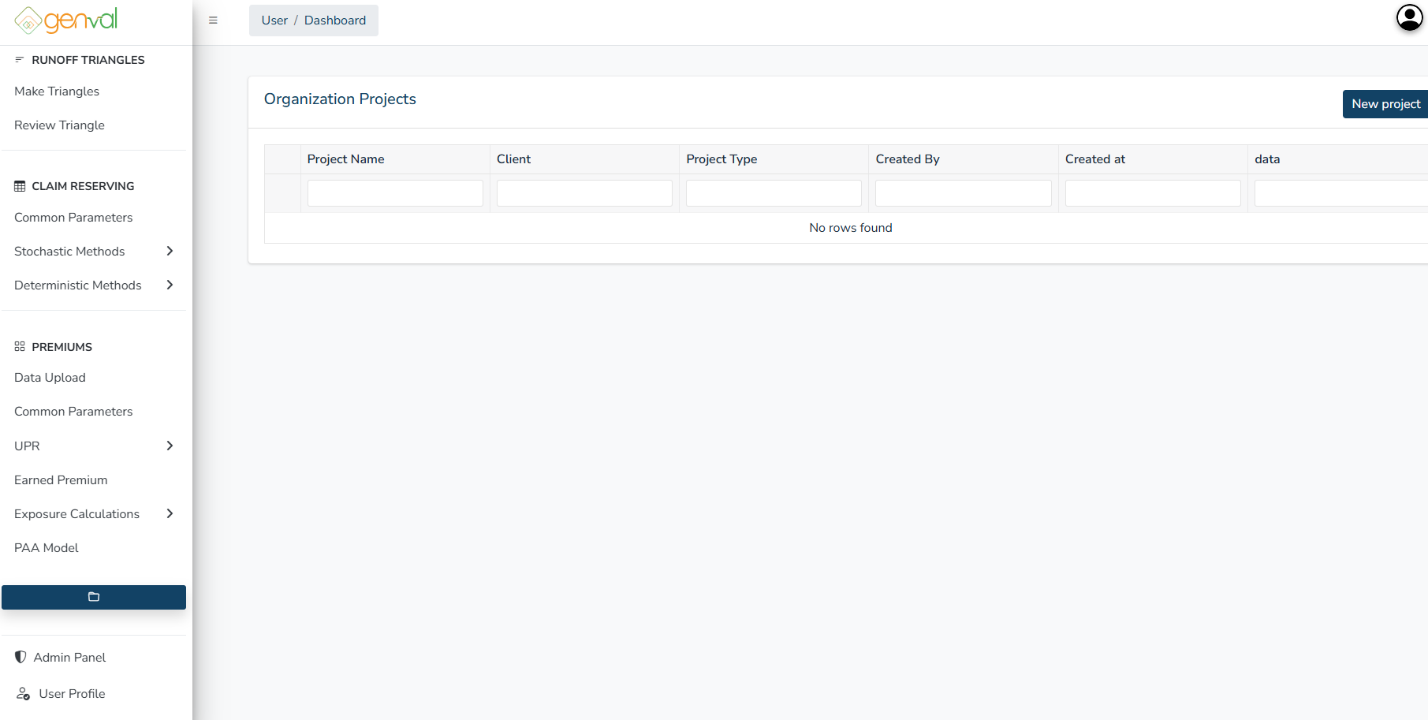
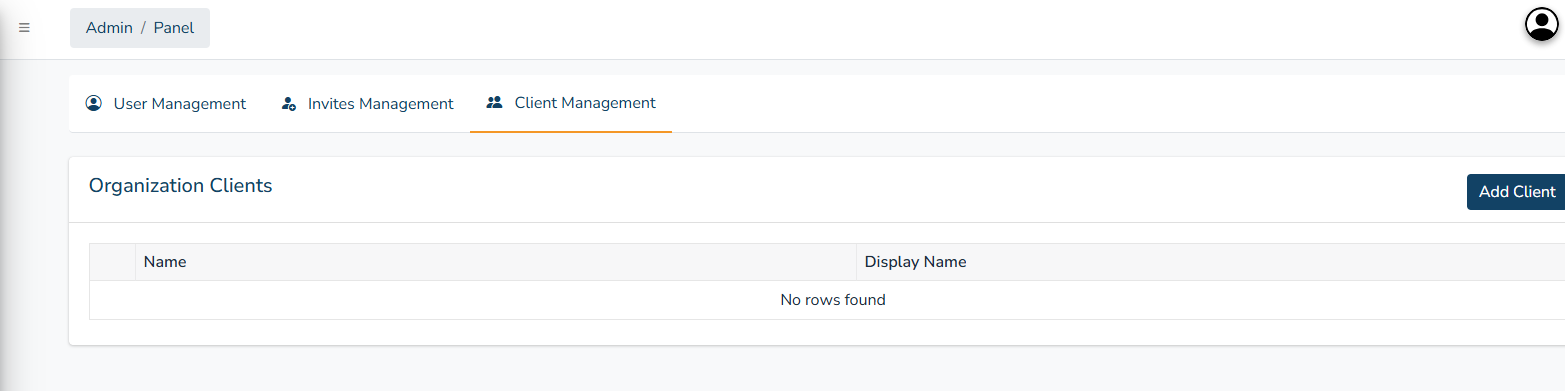
You will be directed to the admin panel where you can edit user access, manage user invites, and add/edit/delete clients.
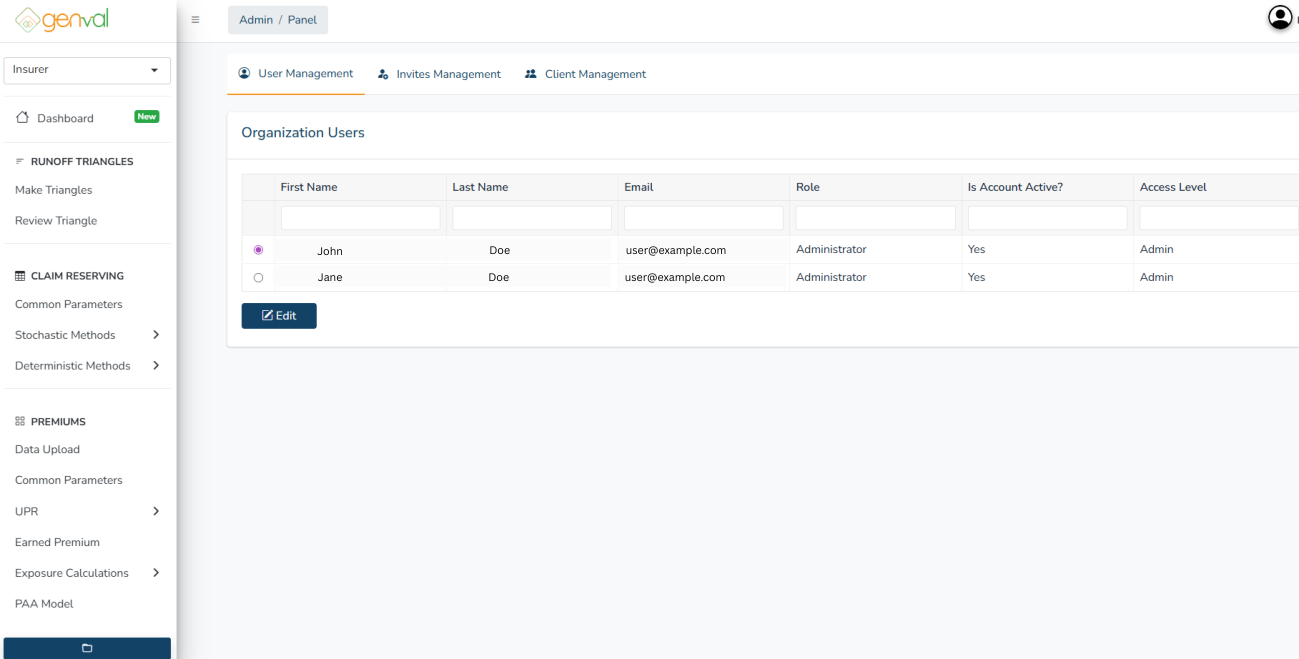
Click on a user and select Edit to activate, deactivate or revoke a user’s access:

To invite a user, click the Invites Management tab and click the Invite User. Enter their email and access level and click Invite.
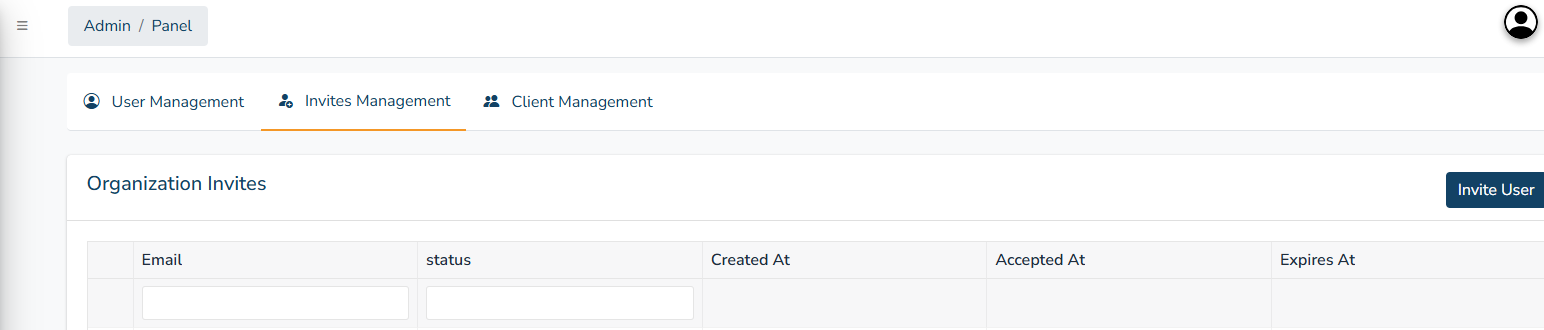
Your organization’s invites will be displayed in the Invites Management tab. Click on a given invite to revoke or resend.

To add a client, click the Client Management tab and click the Add Client button.
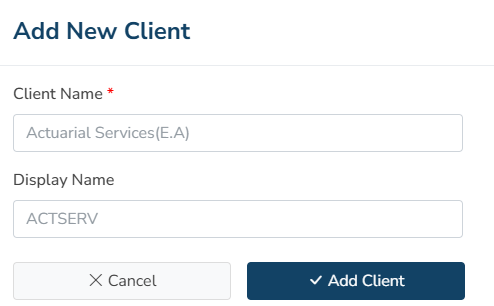
Enter their name, display name and click Add Client.
Your organization’s client will be displayed in the Client Management tab. Click on a given client to edit or delete.