8. Account & profile
To access your profile, click on the “User Profile” icon on the bottom left of the home page and select account and profile.
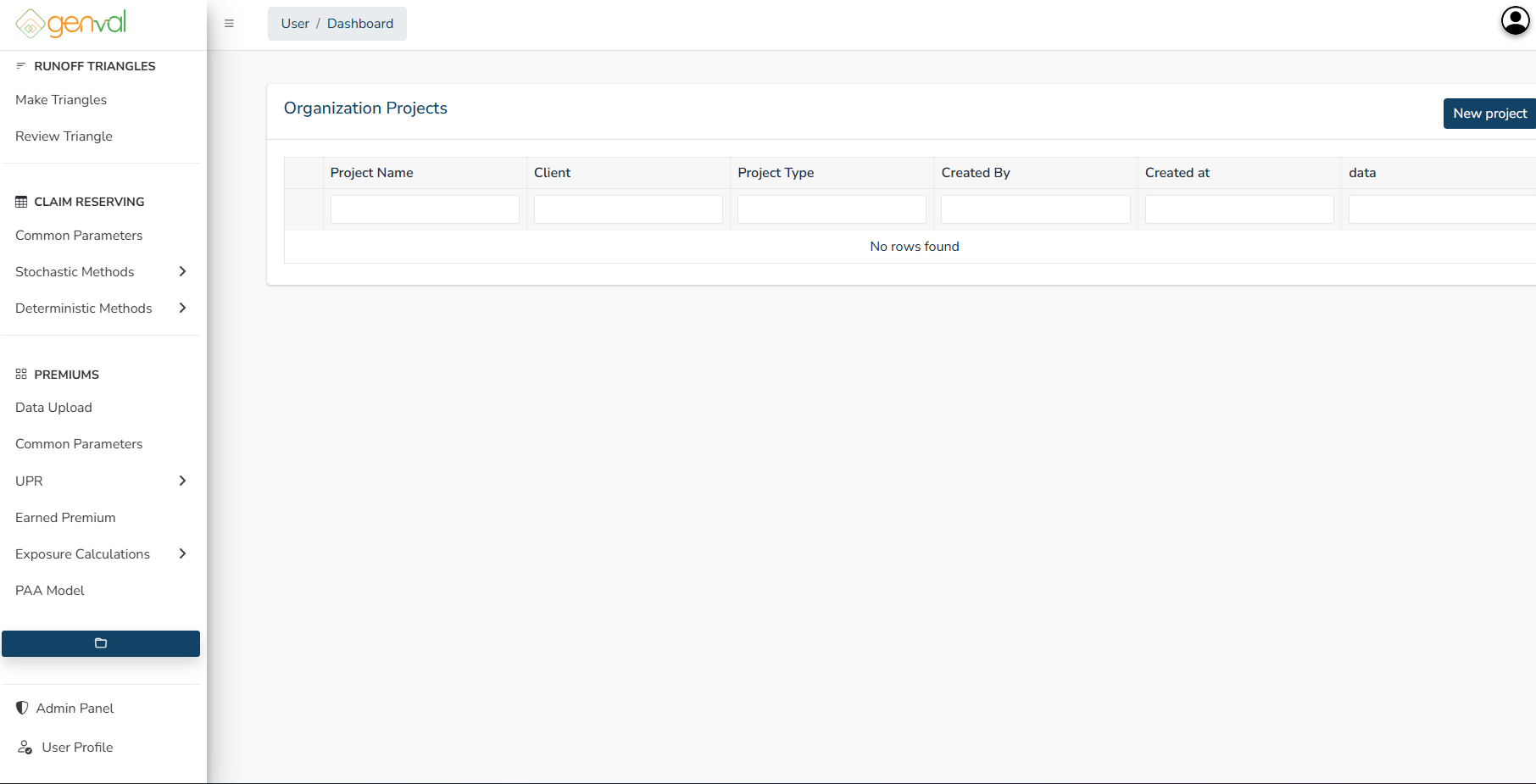
You will be directed to a page where you can view profile, edit profile, and change password.
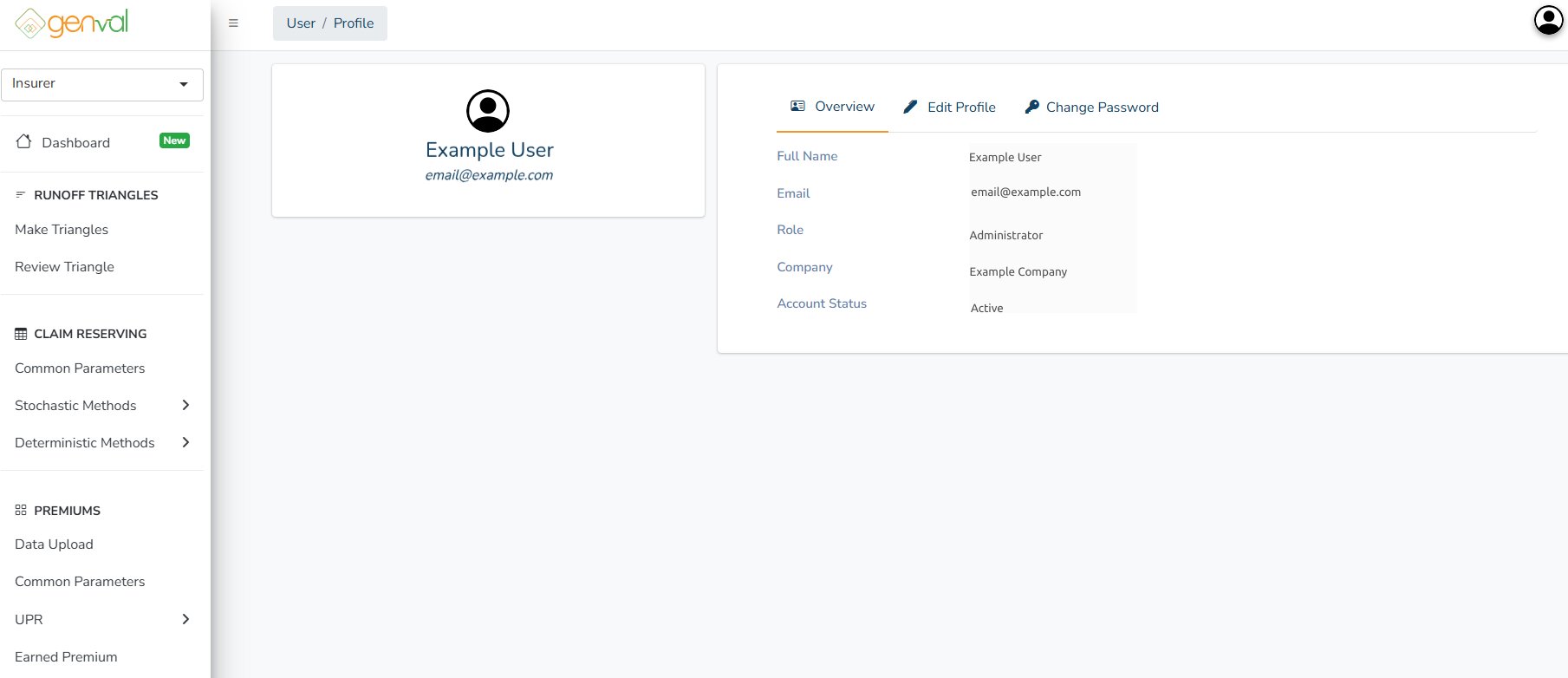
To change your name on the profile tab, click the Edit Profile button, edit the first and last name parts and click “Save Changes”.

To change your password, click on Change Password, then click the Reset Password button.

Confirm password reset by clicking the Proceed button on the prompt:
