1. Sign up
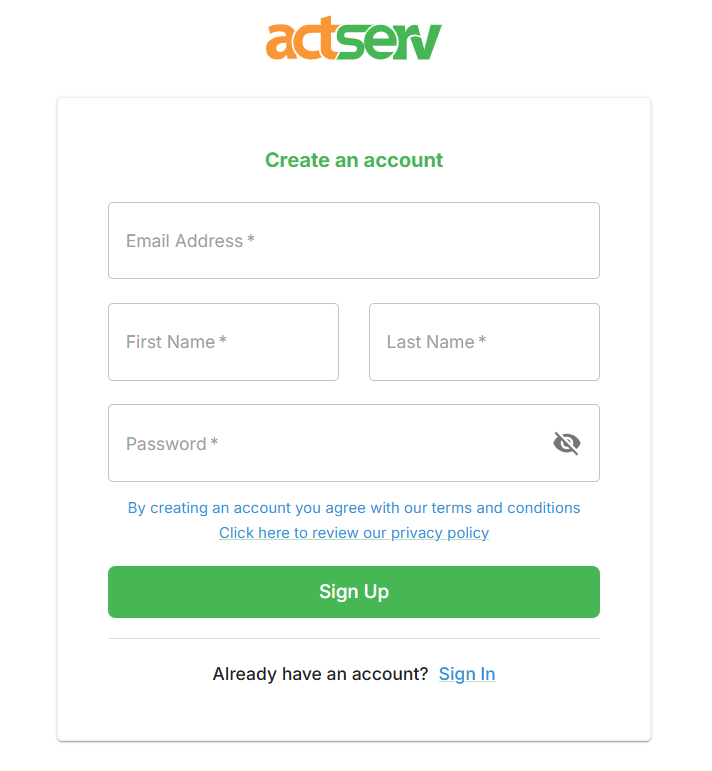
The first step as a new user is to sign up with your email, first name, last name, and password. Click signup after filling these details.
After successful signup, you will get a pop-up stating “Registration successful. A verification email has been sent to you.”
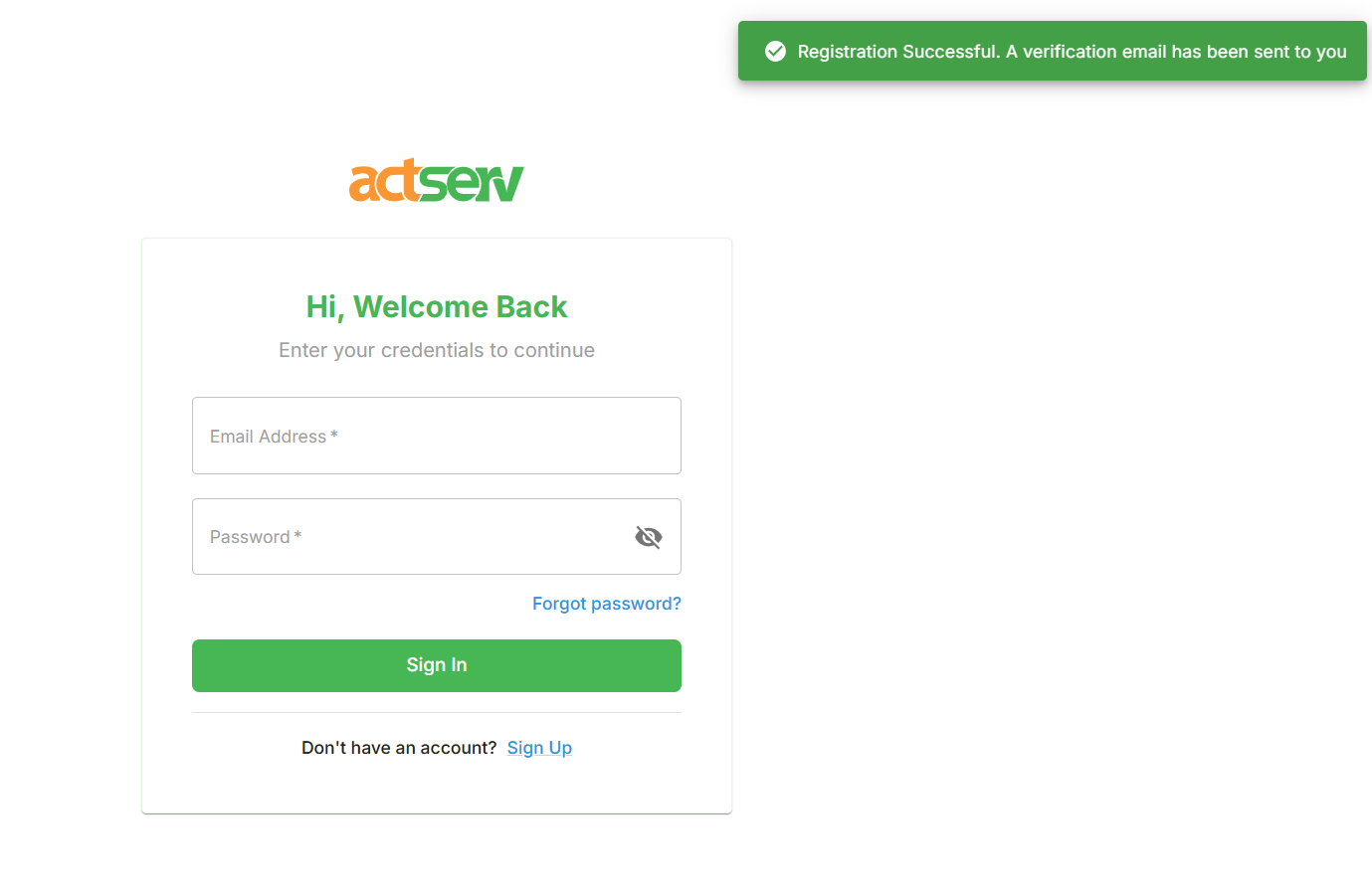
Check your email for the verification link (check you spam folder if missing from the mailbox). Click on the link to verify your credentials. You will be redirected to a page with the message “Your email has been verified”. You can now go back to the login page and login using your credentials.
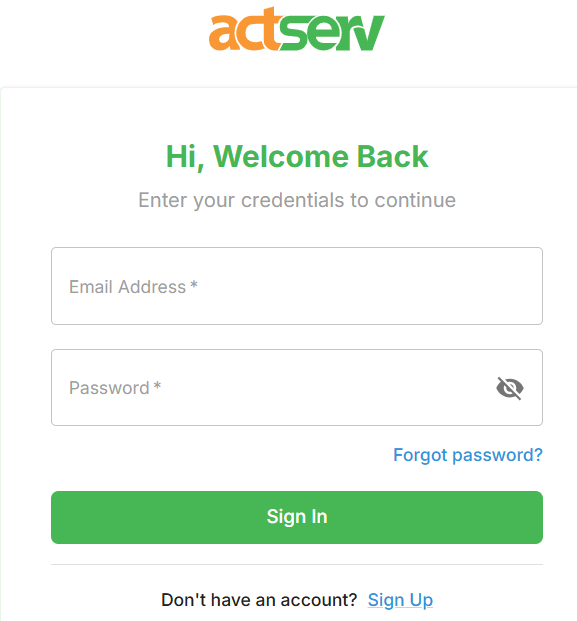
If you forget your password during login, click on the forget password link:
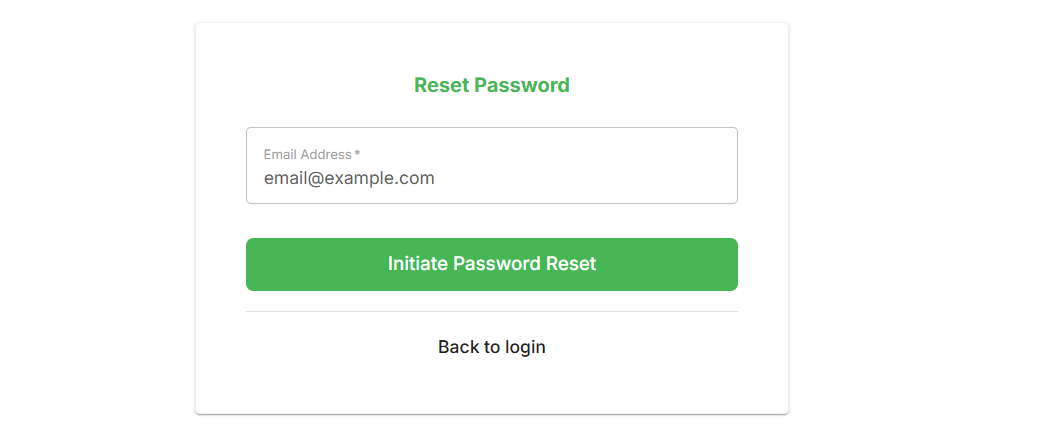
You will be redirected to enter your email. enter your email, then click the Initiate Password Reset button. Check your email for the password reset link. Click on the link to enter new password and click save. Now you can log in using your new password.