4. Account & profile
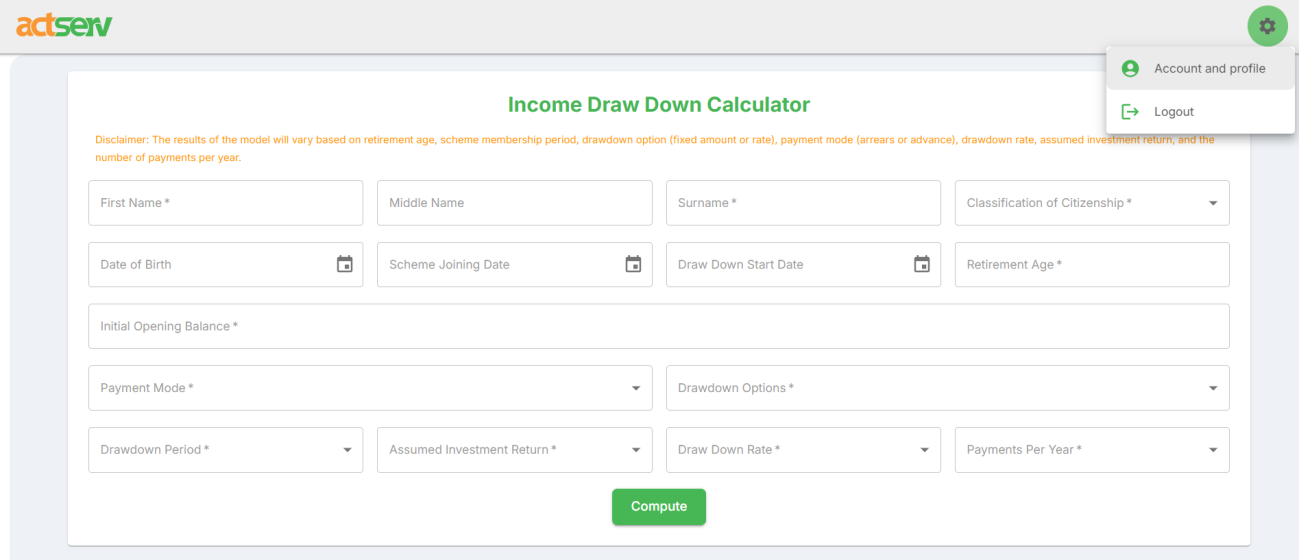
To access your profile, click on the “settings” icon on the top right of the home page and select account and profile.
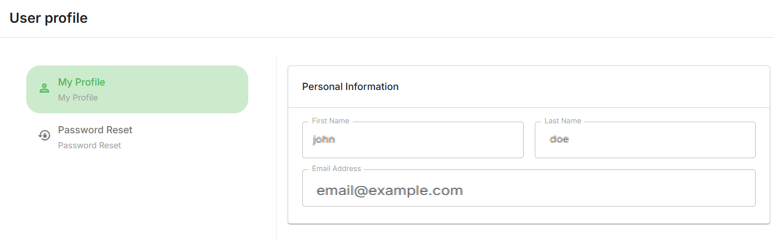
You will be directed to a page where you can change your name and password. To change your name on the profile tab, edit the first and last name parts and click “save”.
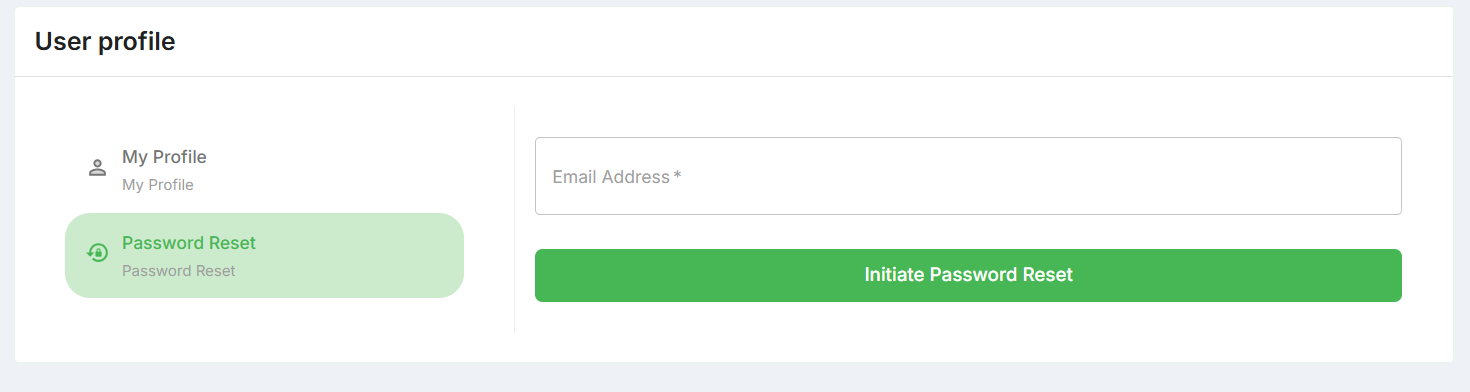
To change your password, click on password reset, enter your email, then click the Initiate Password Reset button.
Check your email for the password reset link. Click on the link to enter new password and click save. Now you can log in using your new password. Always ensure you use a strong password for maximum security.