API Key Management
The API Keys tab centralizes all active and revoked keys used to integrate external systems with i17.
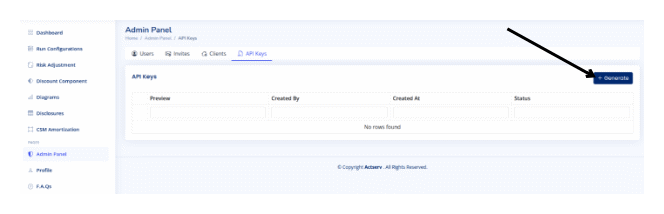
Generate a key
- Click Generate.
- Assign a meaningful description (optional).
- Copy the key before leaving the tab it is only shown once.
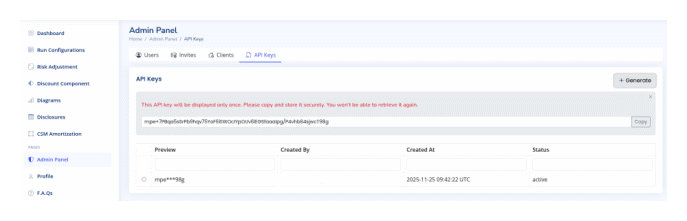
- Store it securely in your secrets manager before closing the modal.
Revoke a key
- Select the key from the list.
- Choose Revoke Key.
- Confirm the action; it cannot be undone.
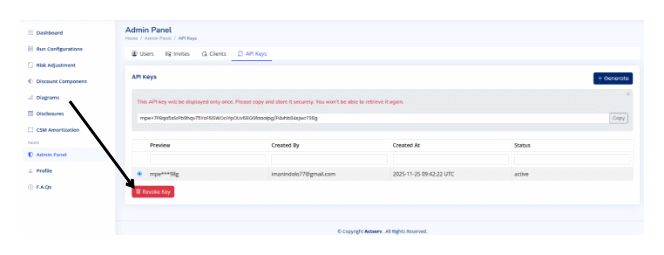
Revocation instantly blocks all scripts or integrations currently using that key. Update downstream services to prevent outages.